Import and export data cleanly
Handle bulk movement of invoices, books, customer records, and reports with a cleaner process.
RoboBooks standardizes the flow so uploads are easier to validate and exports are easier to trust.
Workflow
Data Sync
Designed to keep your finance flow faster and cleaner.
Focus
3 core tools
Practical actions that support daily operations.
Outcome
3 business fits
Useful for teams scaling compliance and reporting work.
Module Preview
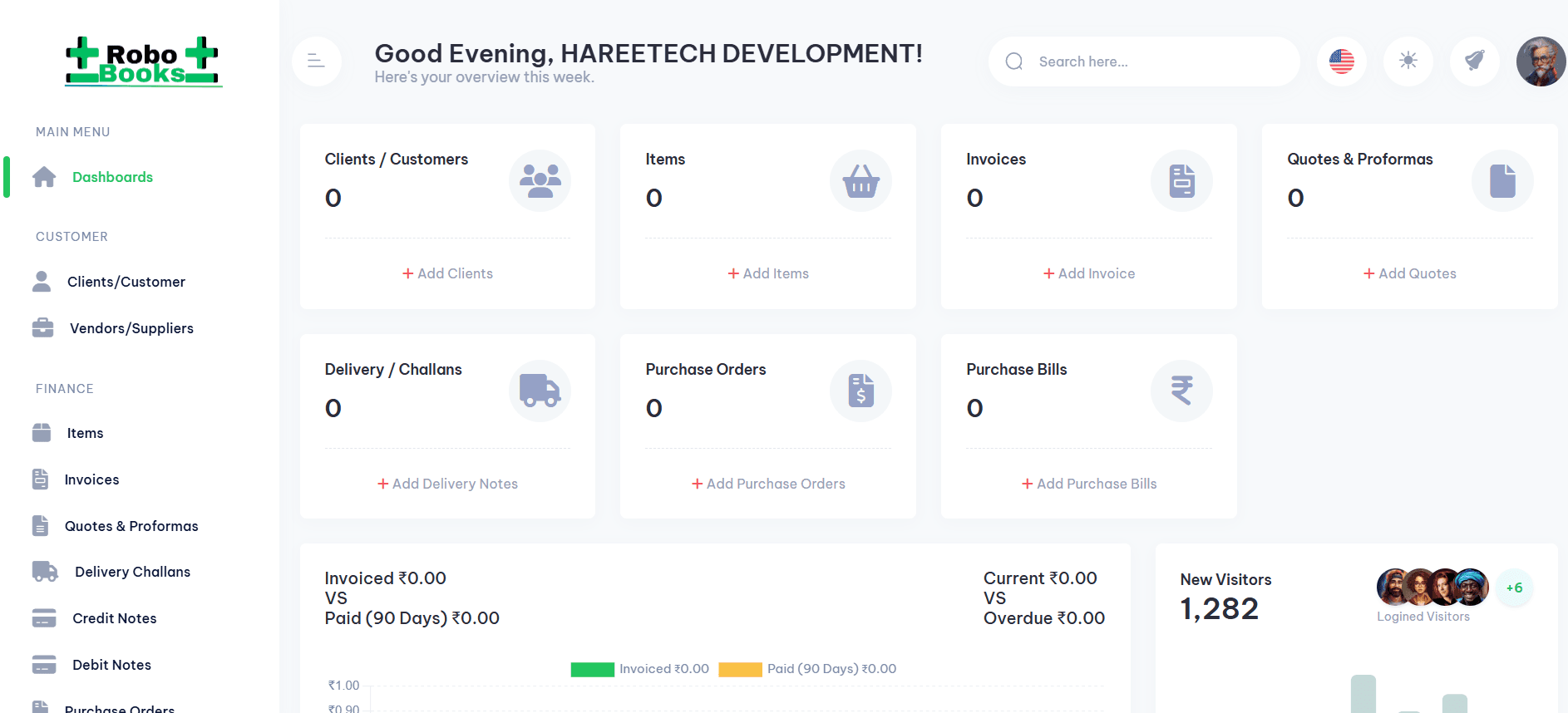
Import and Export Center
Core Features
What this page helps your team do
Support bulk imports for operational and accounting records
Built to reduce manual finance work and keep records more reliable across the workflow.
Generate cleaner exports for sharing and downstream processing
Built to reduce manual finance work and keep records more reliable across the workflow.
Reduce spreadsheet cleanup before or after data movement
Built to reduce manual finance work and keep records more reliable across the workflow.
Workflow Snapshot
How RoboBooks makes it feel more connected
1. Save time when moving high-volume records between systems
The interface, exports, and review flow stay aligned with the rest of your accounting workspace.
2. Maintain better consistency across uploaded and exported data
The interface, exports, and review flow stay aligned with the rest of your accounting workspace.
3. Make data migration and reporting workflows less error-prone
The interface, exports, and review flow stay aligned with the rest of your accounting workspace.
Best Fit
Teams that get the most value from Import Export of Data
These use cases match the way RoboBooks is already designed across invoicing, books, GST workflows, and reporting.
Businesses migrating master data or invoice history into RoboBooks
Finance teams exporting records for review, audit, or backup
Operations staff handling bulk uploads across multiple modules
Explore More
Related GST and finance workflows
GST Returns
GSTR Filing
Export your GSTR1 data in a simple format and help your team or CA complete GST filing faster with clean invoice summaries.
E-Invoice Automation
E-Invoicing
Generate invoice data with the right business fields so e-invoice workflows stay cleaner, faster, and easier to validate.
Dispatch Documentation
Delivery Challan
Prepare bill details, customer data, and shipment records in one place before sharing or exporting transport-related documents.